Straight off the render queue
Every image below came out of Cycles on a real GPU — no stock photography, no AI image generation. The full public gallery lives in the studio's Outputs view.
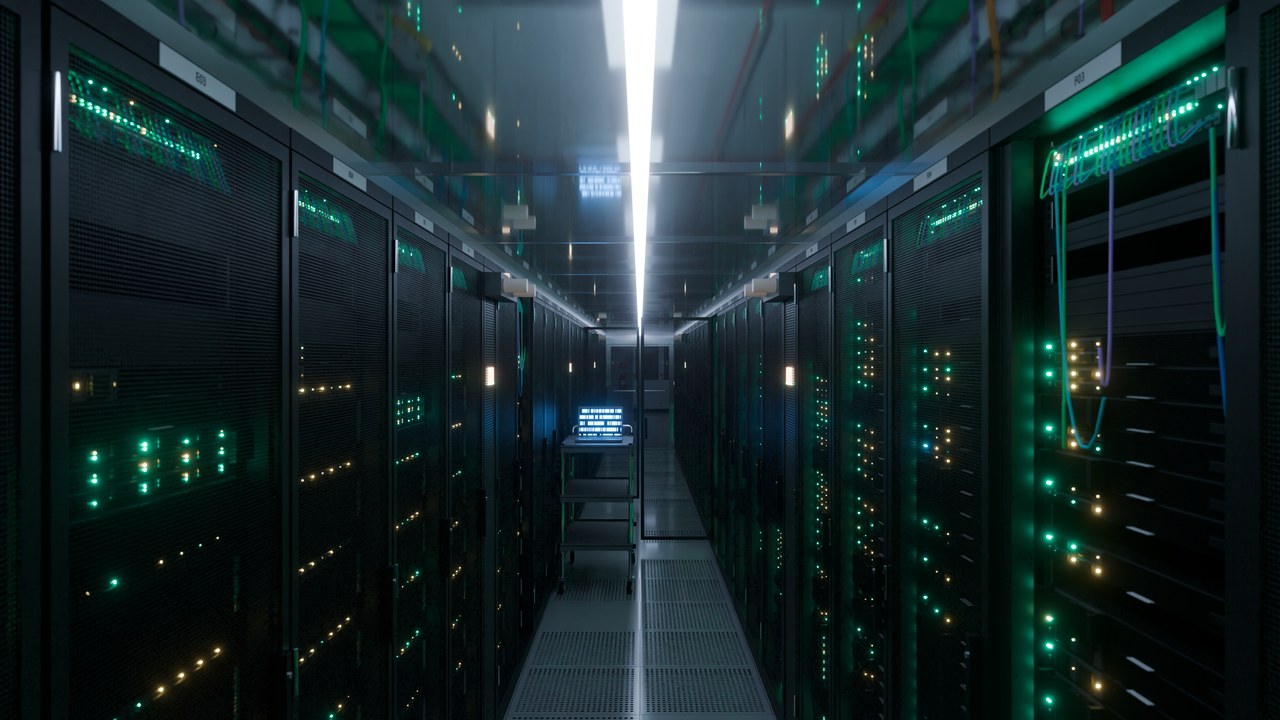

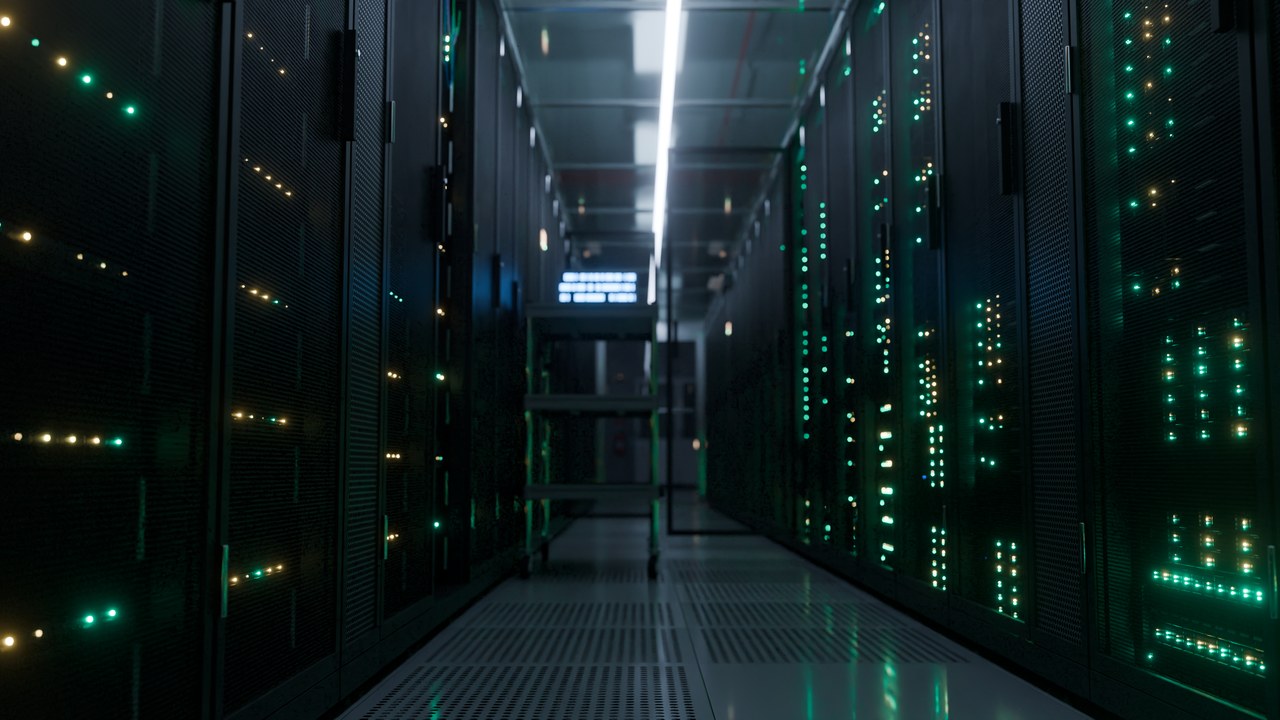
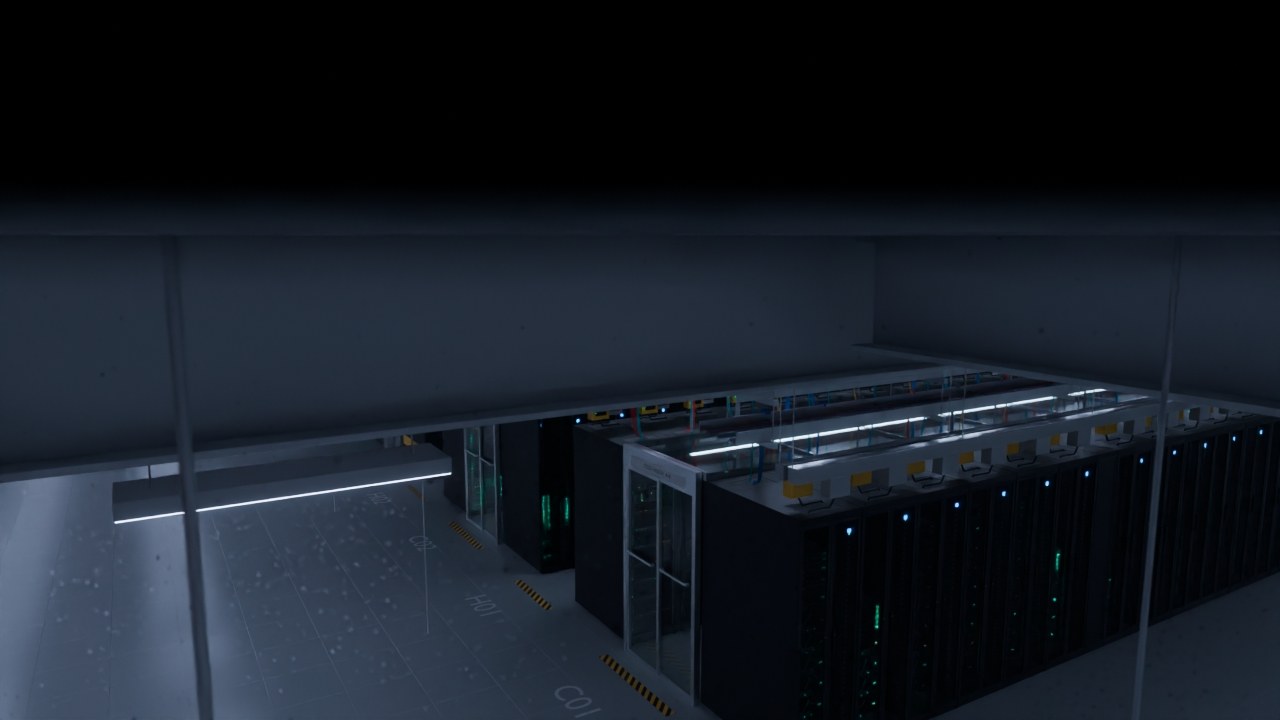
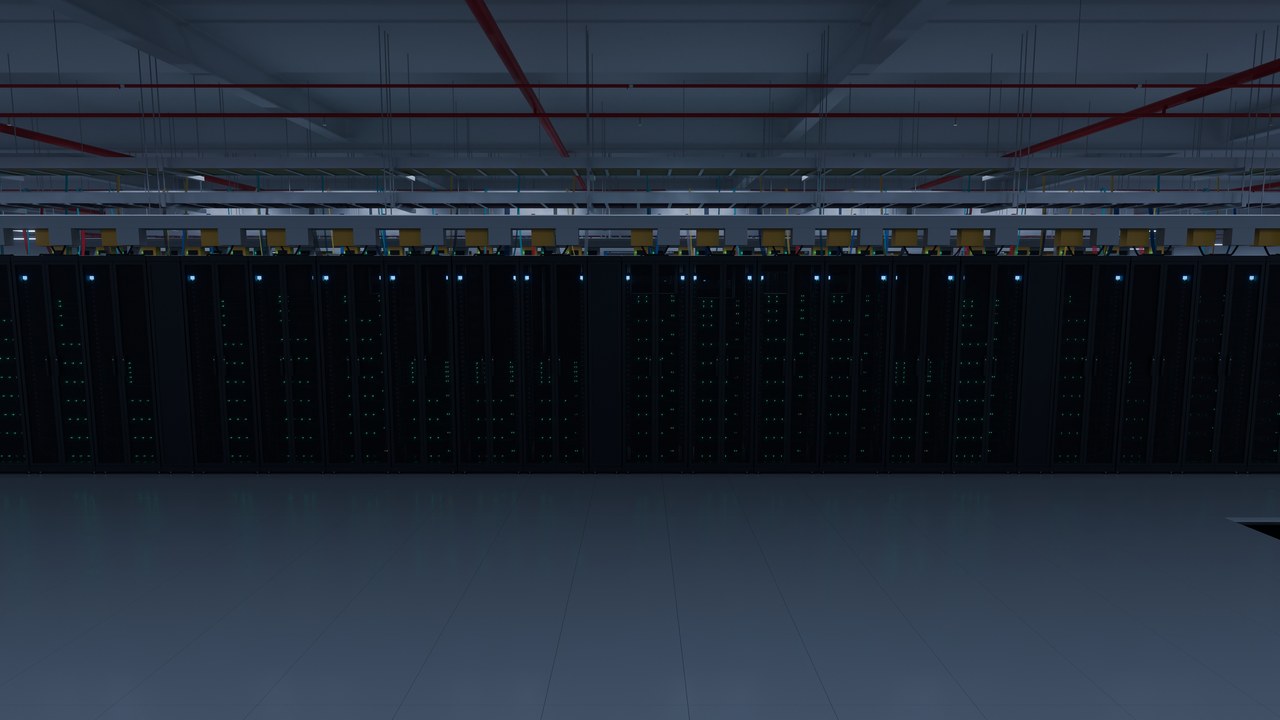
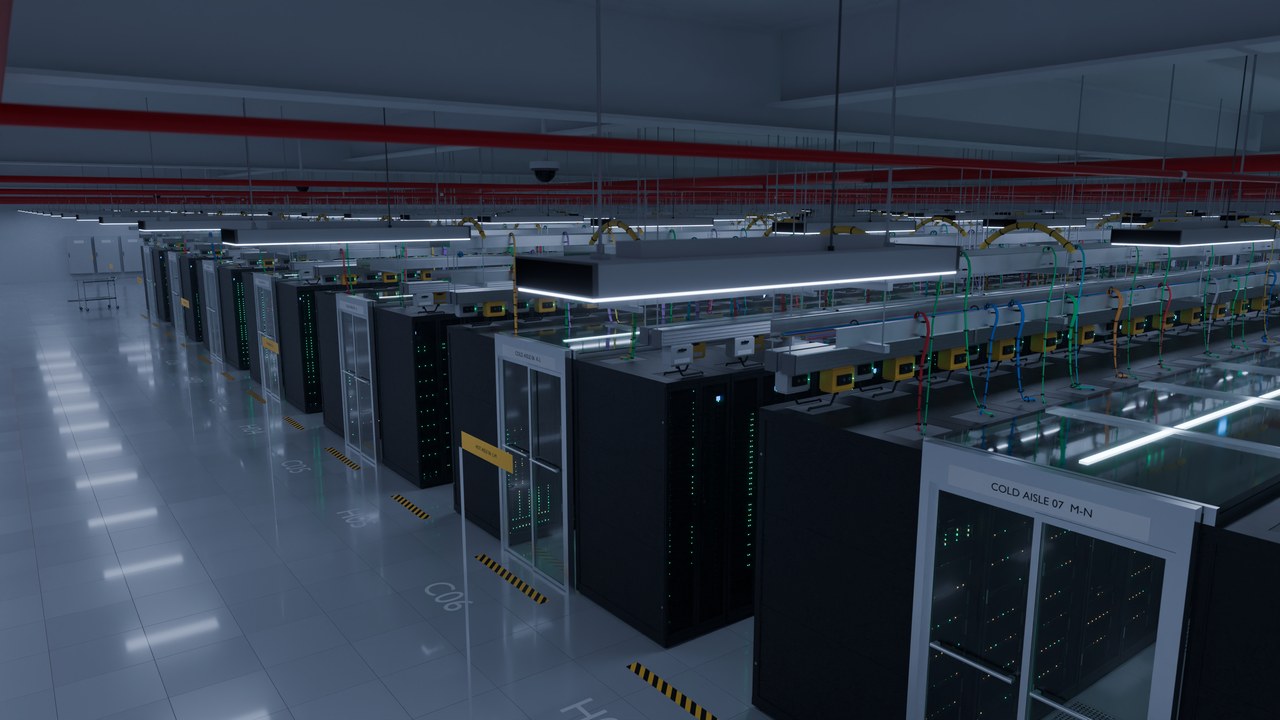
Deliverables: 8K JPEG stills · 4K MP4/ProRes video at 24 fps. What's shown is finished work on disk, never a placeholder.
From server files to a finished frame
The scene source lives on the render host. You edit a shot — camera, movement, lighting, look, output — as a saved revision, preview it interactively, then submit it to the render queue. A submitted job carries an immutable snapshot, so later edits never change what's already rendering. The workflow, in detail →

- 01Compose in the browser
- Real camera presets, 19 movement paths, six independently switchable light groups, AgX looks — every control maps to a value the renderer actually consumes.
- 02Render on real hardware
- The host RTX 3090 renders with Cycles OptiX; Flamenco distributes work to connected machines. GPU slots depend on available memory.
- 03Review
- Live progress, telemetry and finished frames in the studio; web previews in the gallery.
Direct it like a set, not a screenshot
The hall is lit and framed with photographic controls, and the same numbers drive the final render — there is no cosmetic slider whose value gets thrown away.
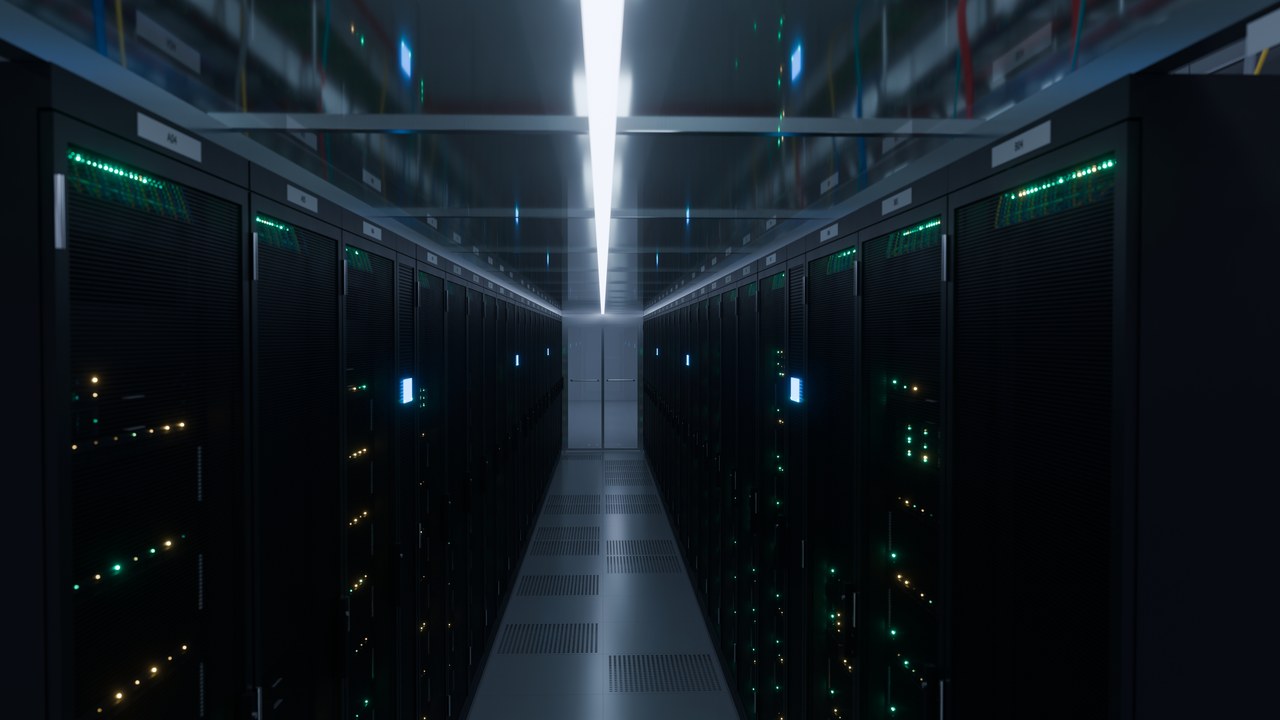
Honest boundary: the interactive 3D preview is geometry and camera truth, not final lighting — final pixels always come from Cycles. Scene detail explains exactly what's real-time and what's rendered.
The host GPU is part of the farm
The host GPU and connected workers contribute to the same production workflow. Persistent queues show progress and completed outputs; the host can use two render slots when its memory budget permits. Install the Farm app and connect through the private invite. Tailscale provides the connection; workers return finished frames automatically, without a manually mounted shared folder. Octane uses its licensed host and keeps its output separate from Cycles.
Loading farm status…
CGI is a real, sellable stock category
Each claim links to a source you can check yourself. Where something couldn't be verified, it says so instead of guessing — this project's own no-fabrication rule.
- 01Demand is real, and it already includes CGI
- Live iStock searches: “operating room” 54,000+ results with a “3d rendering” listing ranking on page one twice; “bank vault” 24,300+; “luxury villa interior” 27,800+ with a pure-CGI listing at #2.
- 023D renders are accepted; generative AI is not
- Getty/iStock permits retouching of “traditionally created media (e.g., camera shot, illustrated, non-AI 3D rendered)” and states “We don't accept content created by generative AI” (contributor rules). Shutterstock draws the same line (3D content policy, AI content policy). Adobe's generative-AI definition doesn't fit a deterministic Blender script — though no Adobe page names 3D as its own category the way Getty's does; stated plainly rather than papered over.
- 03This pipeline's advantages line up with those rules
- No imported assets — every mesh, material and light is built by the script, so no borrowed-model copyright to clear. No real location or person — no property or model releases. A fixed seed makes every build deterministic, exactly repeatable.
Not claimed: sales that haven't happened. Nothing on this page has been submitted to an agency yet; these citations are about demand and eligibility, not a track record.
Beyond the hall: the room library
Data Center 336 is the scene in active development. The library holds every other room this pipeline has already built — hospitals, vaults, villas, offices, command centers — each with its own showcase page and real renders. All of it stays available in the studio.


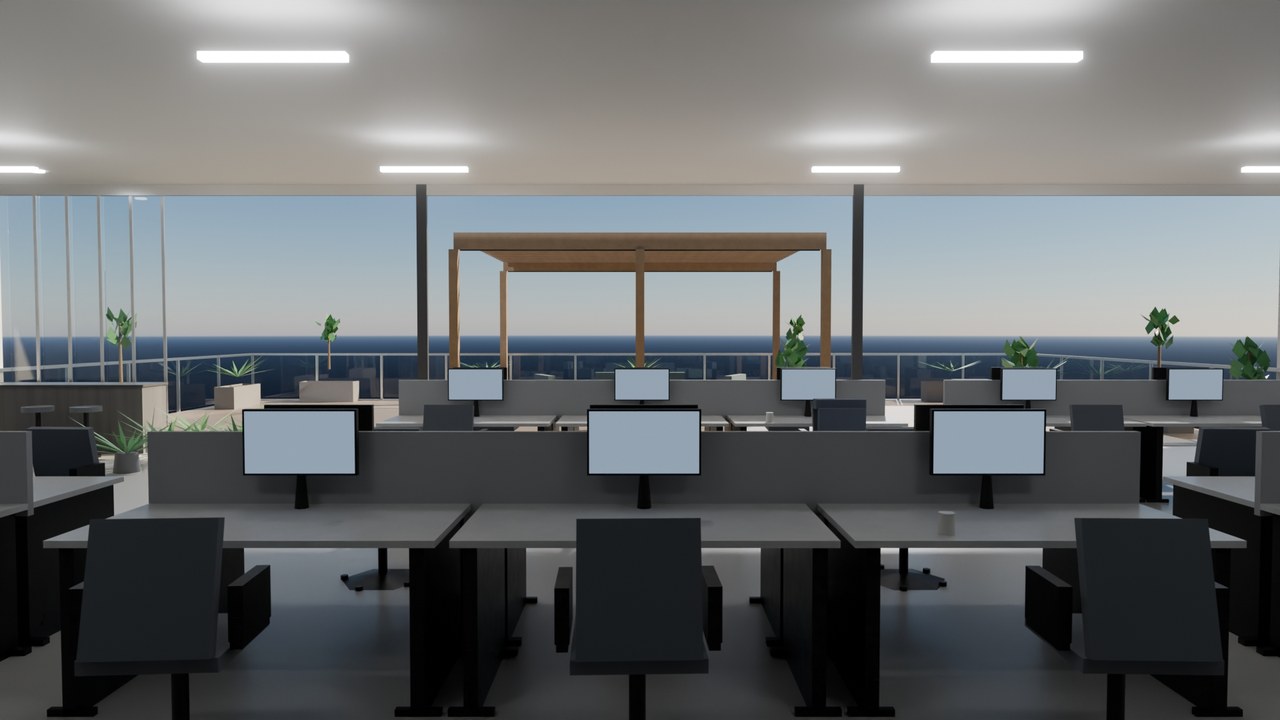
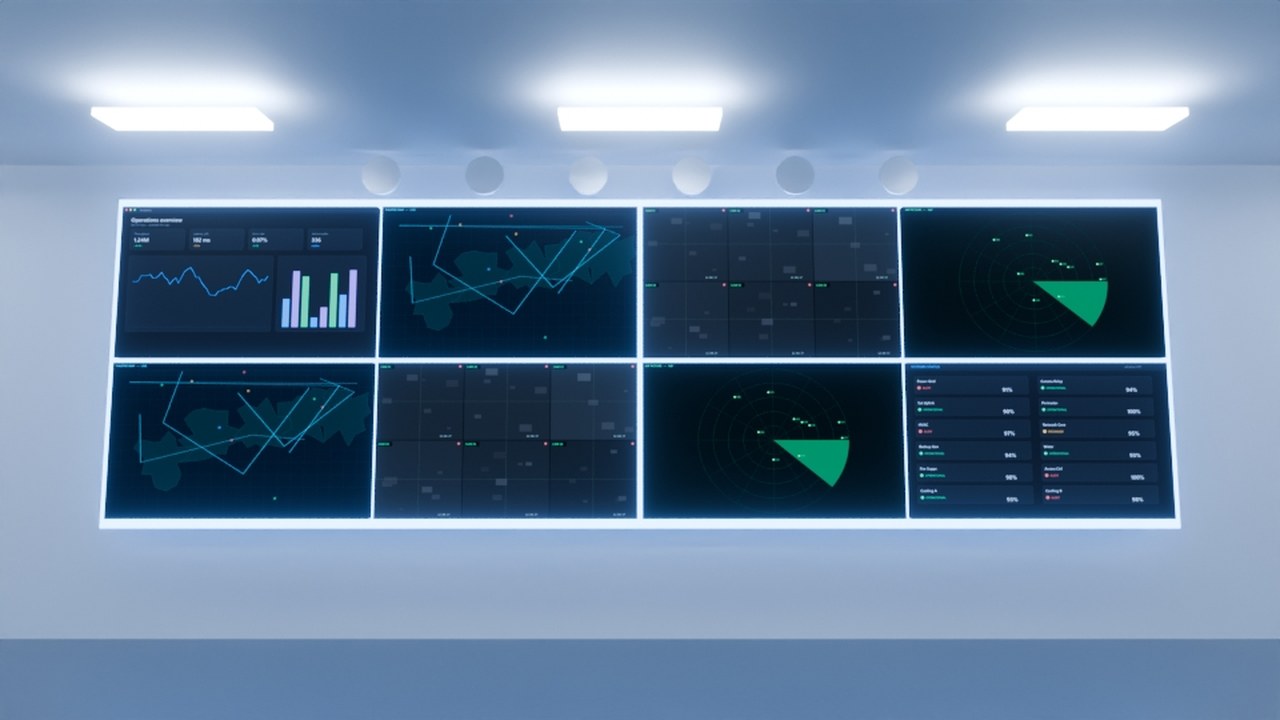
Open any room from the Library menu above — every page shows only renders that actually exist on disk.
Three new engineering-grade rooms
Built to the same standard as Data Center 336 and already loadable in the studio. Their generators, camera libraries and technical illustration atlases are complete; their first frames render at the queue's next idle window, and their pages say so plainly rather than showing a borrowed image.
DC-24 — AI hall
24 racks, direct-to-chip liquid cooling, A/B busway, hero accelerator server. 22 stills + 10 videos, 12 illustration sheets.
Hyperscale AI campus
Four halls, 2,000 logical rack positions, substation, generators, cooling plant, one filmable hall. 20 stills + 10 videos, 9 sheets.
Quantum laboratory
Dilution refrigerator, five cryogenic stages, classical control racks, helium plant. 20 stills + 10 videos, 12 sheets.
Sections and dimensions, drawn from the same numbers as the geometry
Every room ships a drawing set alongside its renders: plan, section, elevation, rack detail, power and cooling schematics — 41 sheets across the three new builds. They are generated from the scene's own CONFIG, not traced from a render, so a dimension on a sheet and the same dimension in the 3D scene cannot drift apart. Original SVG, so they scale to any print size and stay editable in Illustrator.


The full atlas ships with each room — open a room page from the Library menu to browse its sheets.
The clean render is the master. Everything else is a derivative.
Blender writes the clean plate — 8K stills, 4K video, or multilayer EXR with passes. After Effects then builds the explanatory version as a separate file: flow arrows, numbered callouts, power and cooling paths, each one a declarative preset rather than hand-built script. The plate is imported as a layer and never modified, so the sellable frame and the explainer frame come out of the same render instead of competing for it. The studio's Adobe tab shows which overlays are staged, which plates they are waiting on, and the exact two commands that build and render them.
- 01Render clean
- Cycles writes the master. JPEG or PNG for stock, multilayer EXR when the frame will be graded or re-lit downstream.
- 02Overlay in After Effects
- One shared ExtendScript template consumes a JSON preset — data flow, power flow, cooling flow, callouts — and builds a project per shot. Editing an overlay never means editing script.
- 03Deliver both
- The explainer lands beside its master with an
_ae_<preset>suffix and its own provenance record. Nothing overwrites the clean frame.
What it costs to direct here
Browsing and the gallery are open to everyone. Composing and rendering your own shots runs on the studio's real hardware. Prices below are the actual offer (owner-approved 2026-09-20); the checkout behind them isn't wired yet — signing in gets you the account, not a charge.
Viewer
Browse every finished render, the scene pages and the shot library. No account.
Look aroundCreator
Compose and queue your own shots, full camera & movement library, render on the host GPU.
Sign in →Studio
Everything in Creator, priority in the render farm queue, invite your own farm members.
Sign inStudio API
Everything in Studio plus programmatic job submission — for pipelines, not people.
Sign inPrices are real; the checkout behind them isn't built yet — nothing is charged by signing in. Original 3D/source files are licensed separately, by approval — ask us.